Not real-time
Prices are delayed 15 minutes; this is a research tool, not a trading terminal.
Included in every plan, including Ask
Reports cost credits. Everything on this page does not. It is on every plan, it refreshes on its own, and it is sorted by facts — a date, a dollar amount, a percentage — never by a Midaris opinion.
No account needed: twelve free calculators for saving, borrowing and markets. Open the calculators →
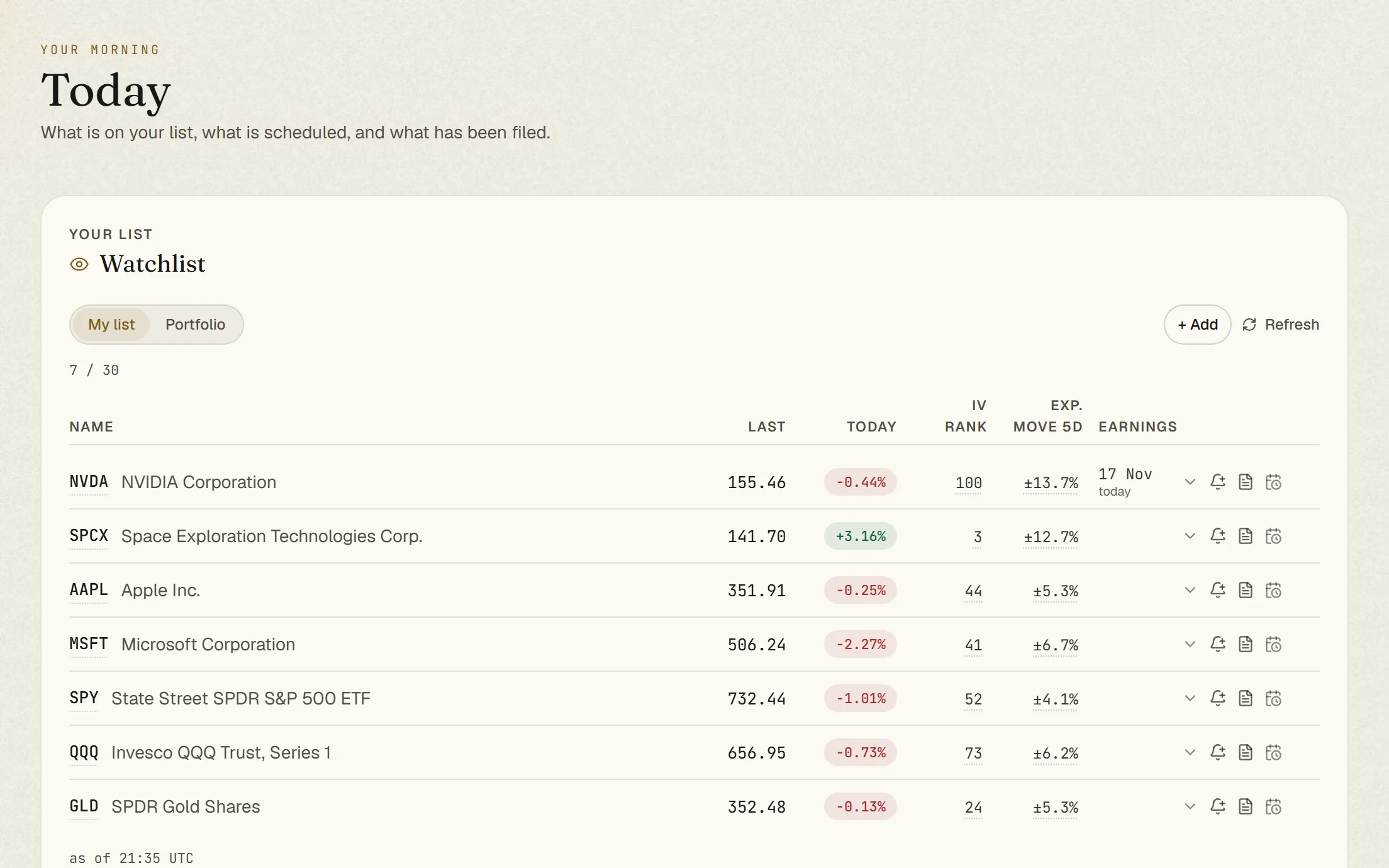
What matters for my names, this morning?
Your watchlist with today’s earnings and filings, and what is coming in the next seven days. “Today in five lines” is written from the data, not from a newsroom: five sentences, each with the figure that justifies it.
Updated: every morning before the US open.
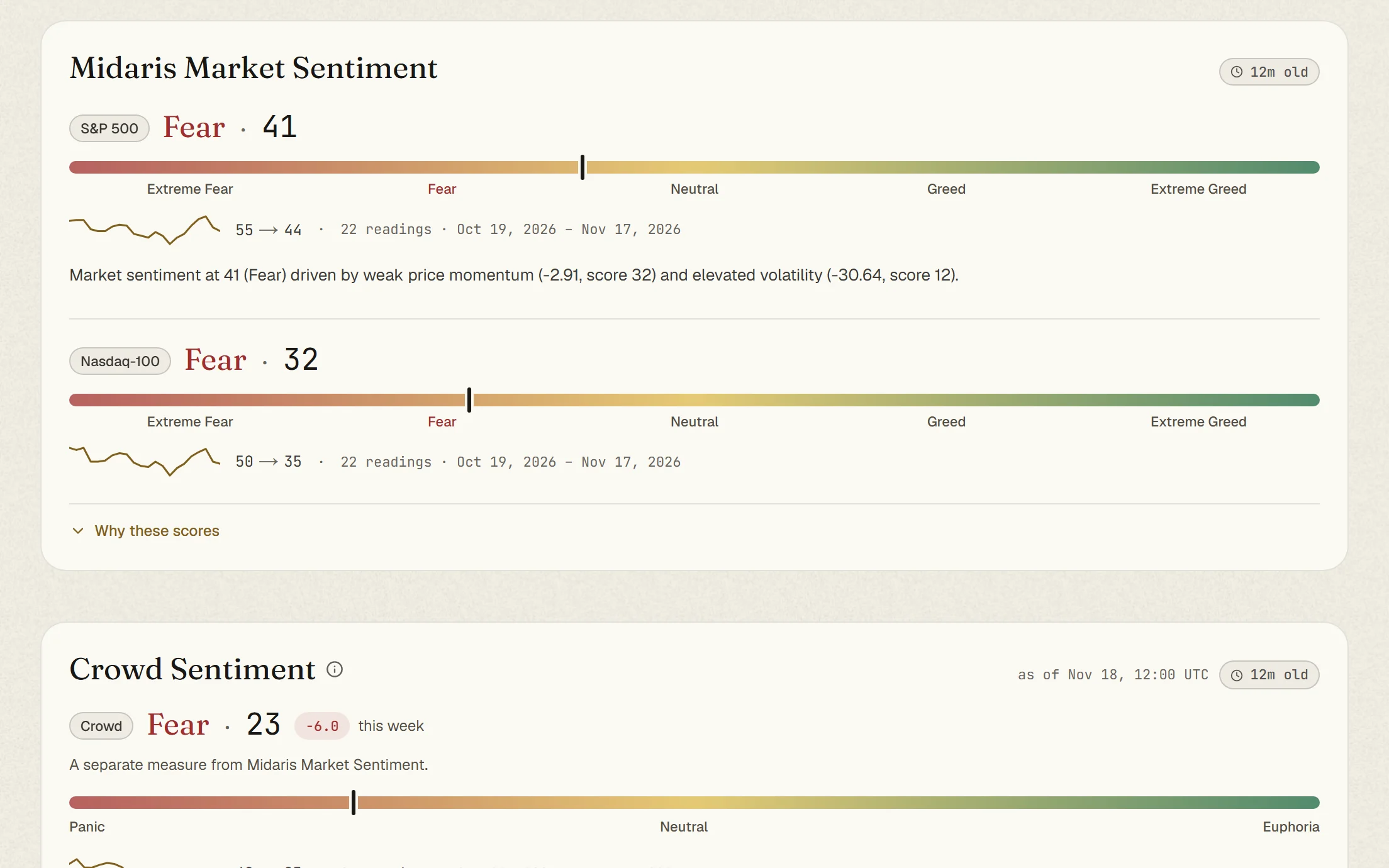
What is the market doing, and why this score?
Market Sentiment and Crowd Sentiment from 0 to 100, each with “why this score”. Breadth. A heatmap of 11 sectors and 180+ industries across the US, Europe and Asia. Trend Watch: the Nasdaq-100 against its 200-day average, and the notable movers. Options activity: IV rank, put/call, names at extremes. The Treasury curve, the dollar, currencies, commodities. Analyst rating changes, around 50 a day. The tone of Fed communication, read by the AI from the text.
Updated: during the US session.
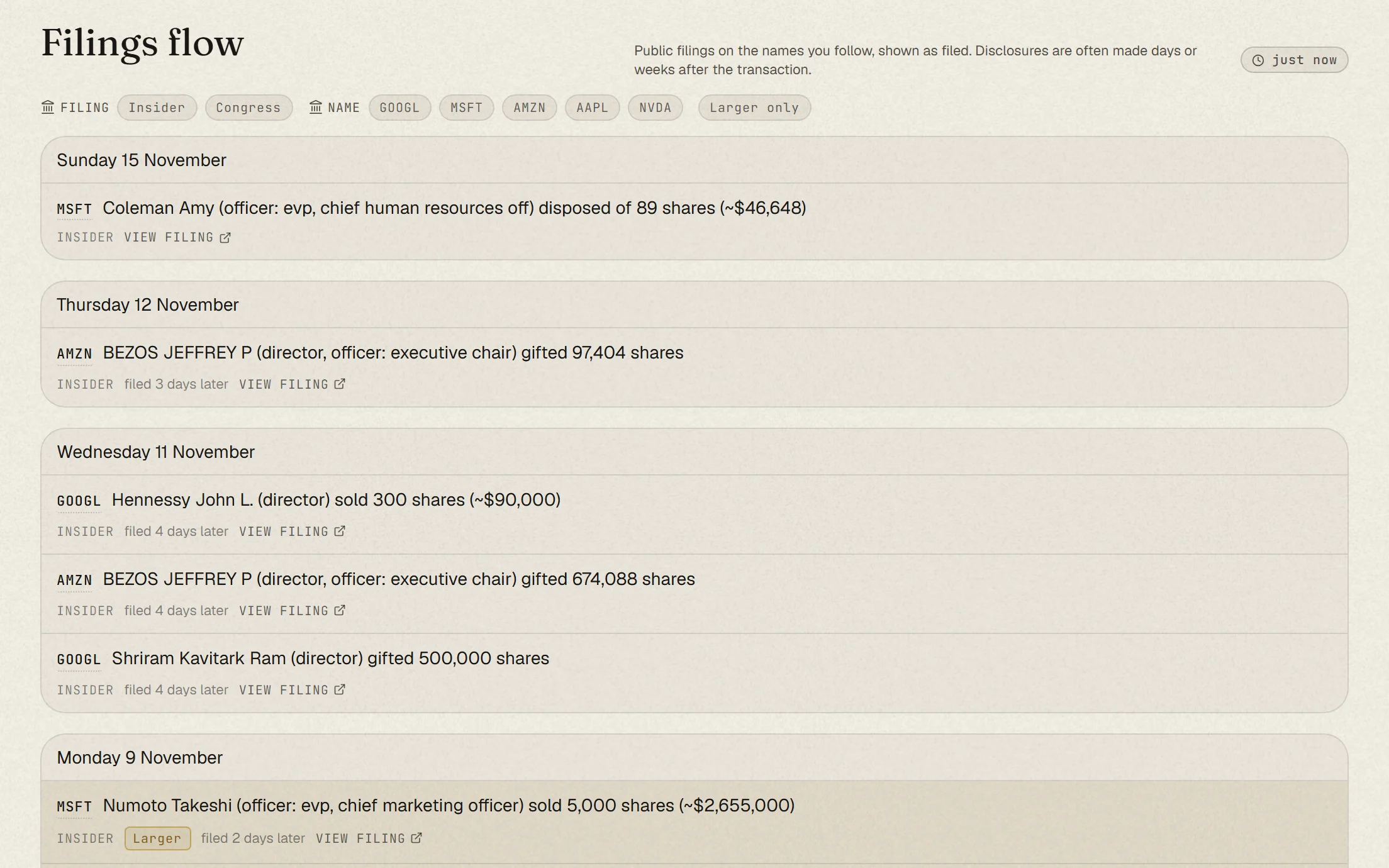
Who is buying, who is selling, according to the filings?
Insider purchases and sales as they are filed (Form 4). Names where several insiders are buying within 14 days. Congressional disclosures. 13F changes and the largest managers. Lists: the largest insider purchases and sales, the most upgrades, downgrades and initiations, consensus EPS raised or lowered.
Sorted by: a number — dollars, days, count. Never by a Midaris score.
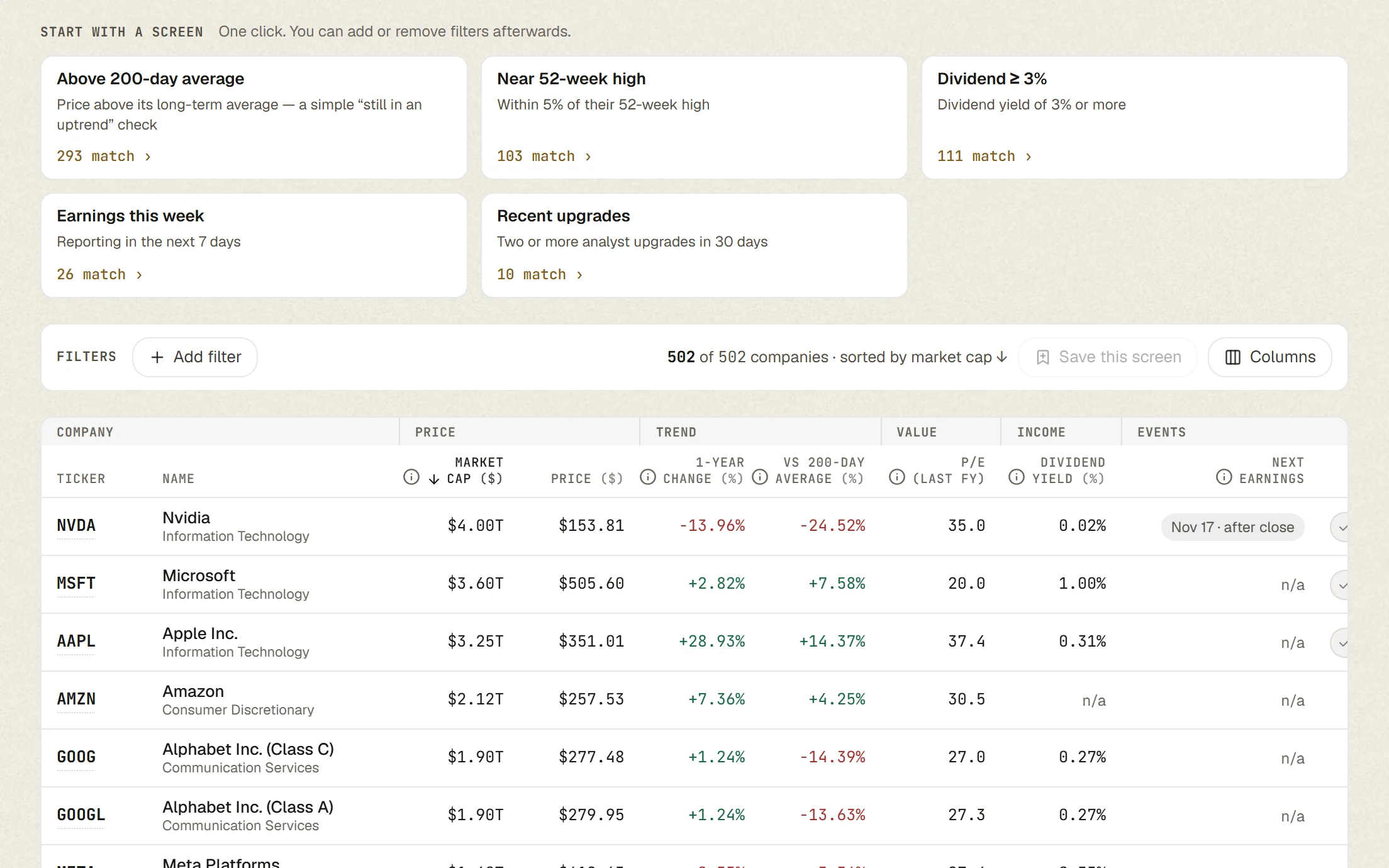
Which S&P 500 names fit these facts?
25 filters on published facts: above the 200-day average, near the 52-week high, dividend over 3%, earnings this week, recent upgrades. Five presets to start from. Add any result to your watchlist in one click, or ask the chat to screen in plain language and open the result here with the filters set.
Updated: daily.
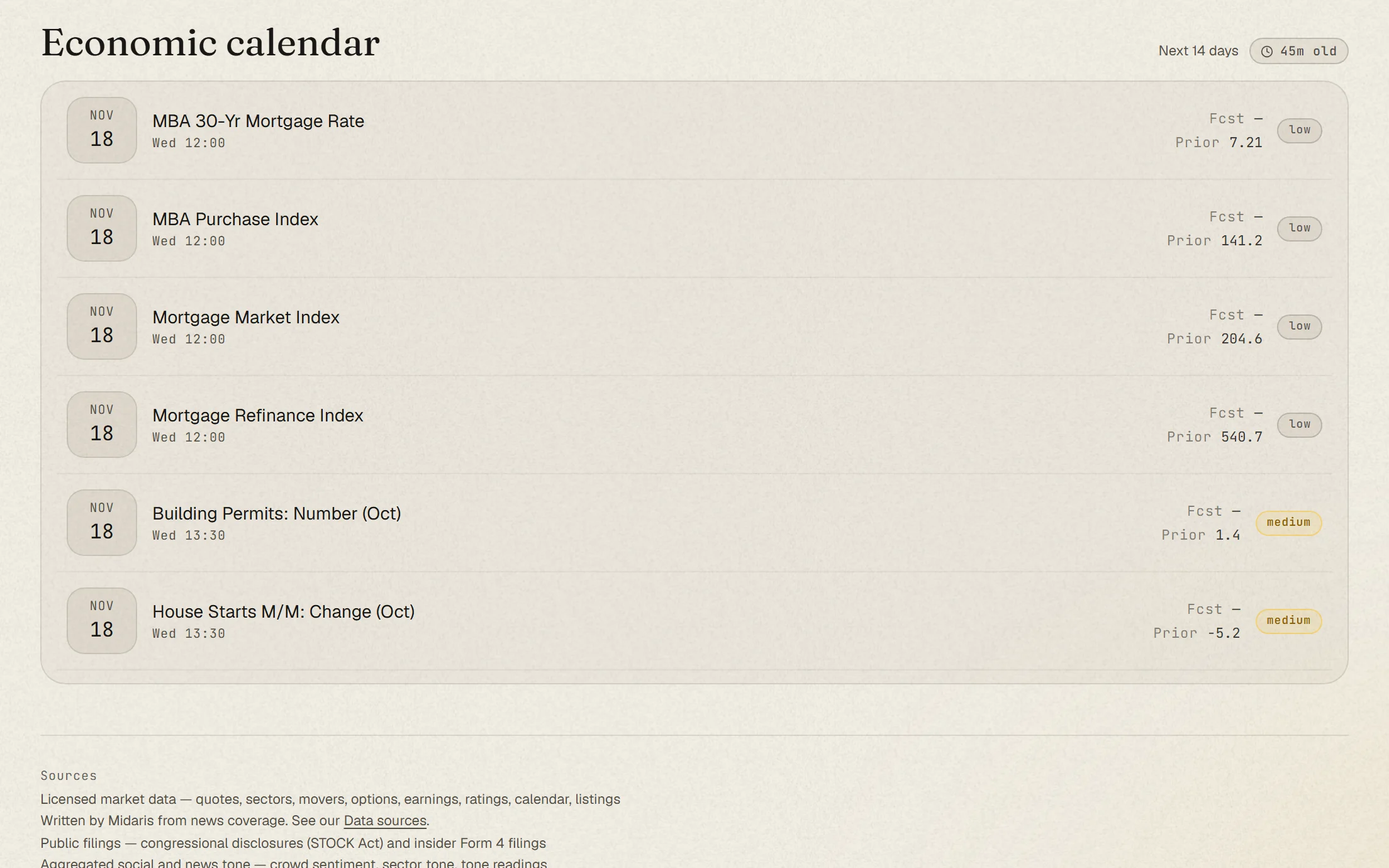
What is scheduled, and what happened?
Earnings with beat or miss and the next-day move. A 14-day economic calendar with dividends, splits and IPOs. Market events grouped by story, so one headline does not appear five times. World headlines with one line on why they matter for markets.
Updated: continuously.
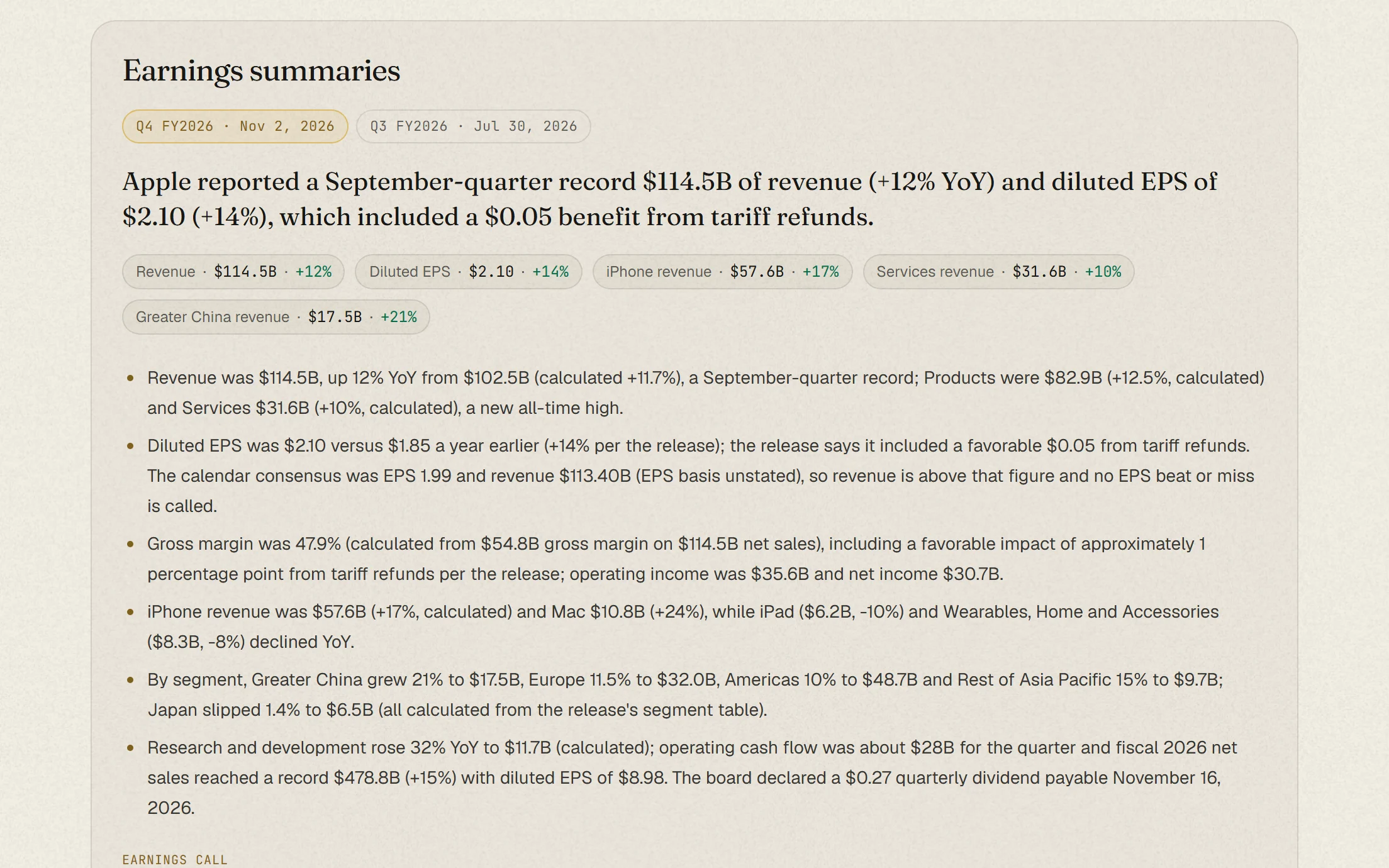
What did the company actually say?
For every name you follow, per quarter: what the company reported, its guidance, and a summary of the call. Attributed to management, with sources. Read it before the market’s reaction tells you what to think.
Updated: after each report.
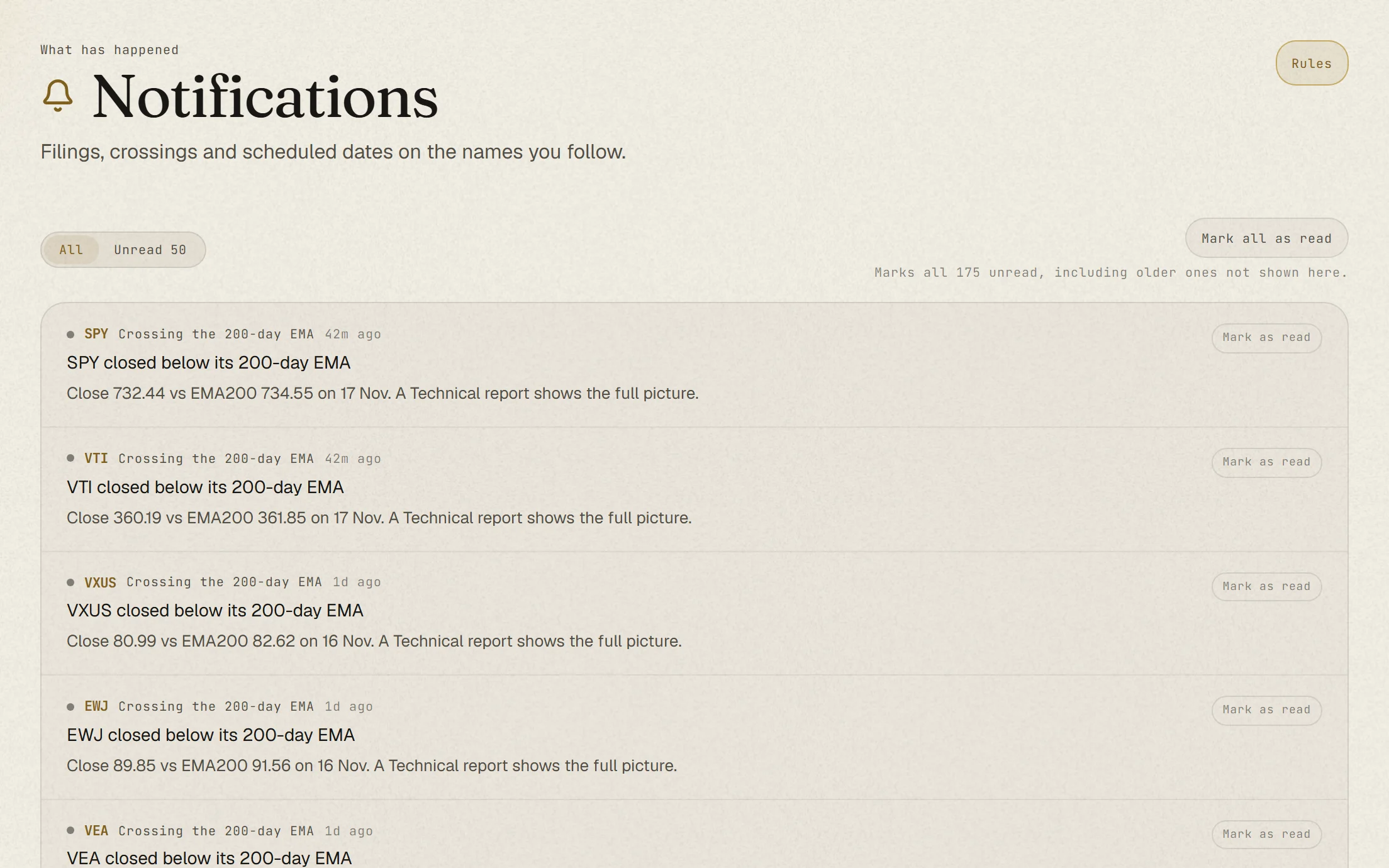
Tell me when it matters, not every hour.
Rules you set once: a price above or below a level, a cross of the 200-day average, an insider trade, earnings in N days, a scheduled event, a move in your portfolio. A morning brief at 06:00 in the app and by email, and a recap every Monday.
Delivered: in-app and email.
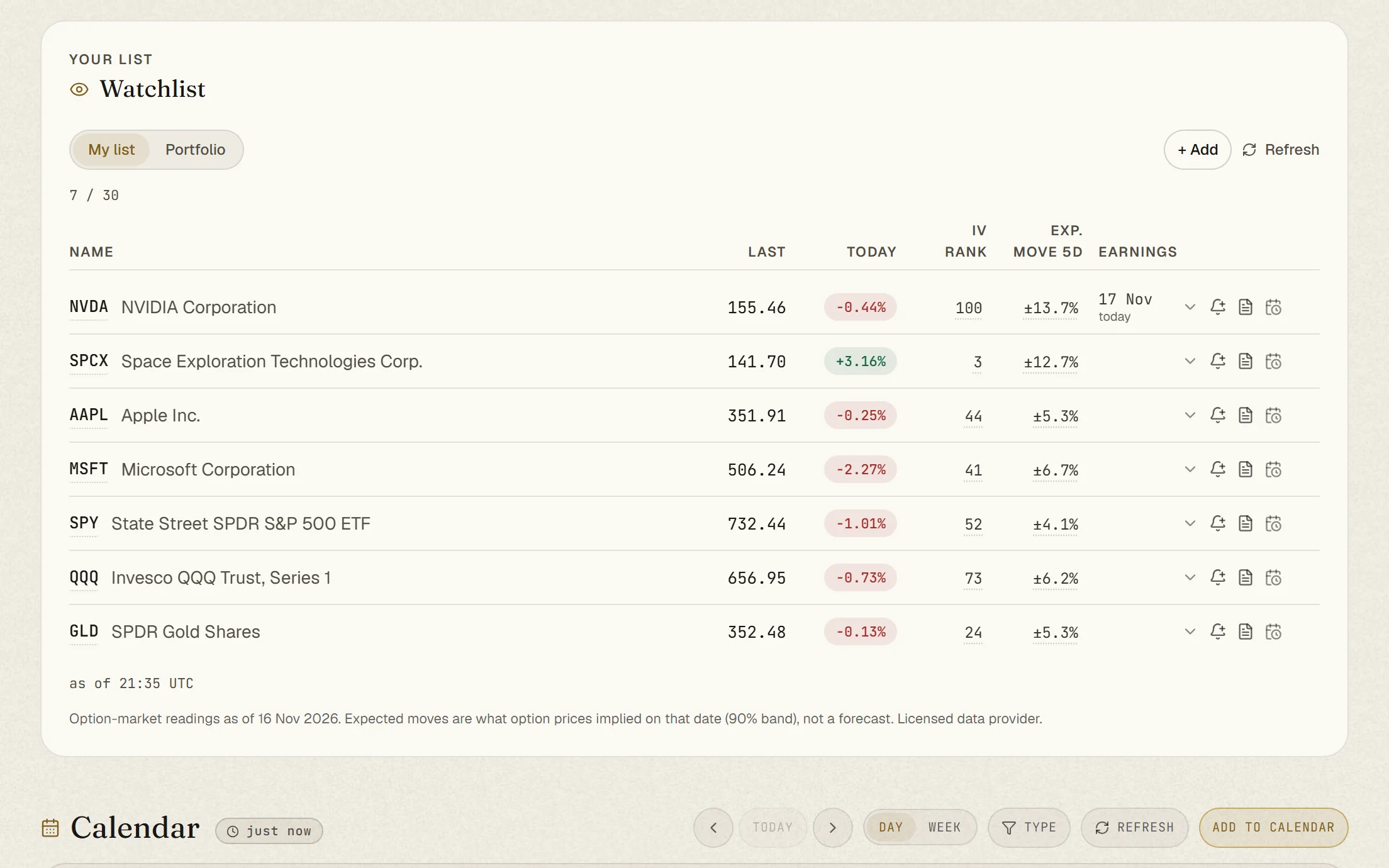
My names, in one place.
Up to 30 names with prices delayed 15 minutes and earnings markers. Save what you own, so the chat and the notifications know your names. On Professional and Elite the portfolio also runs the Portfolio Analysis report.
Prices: delayed 15 minutes.
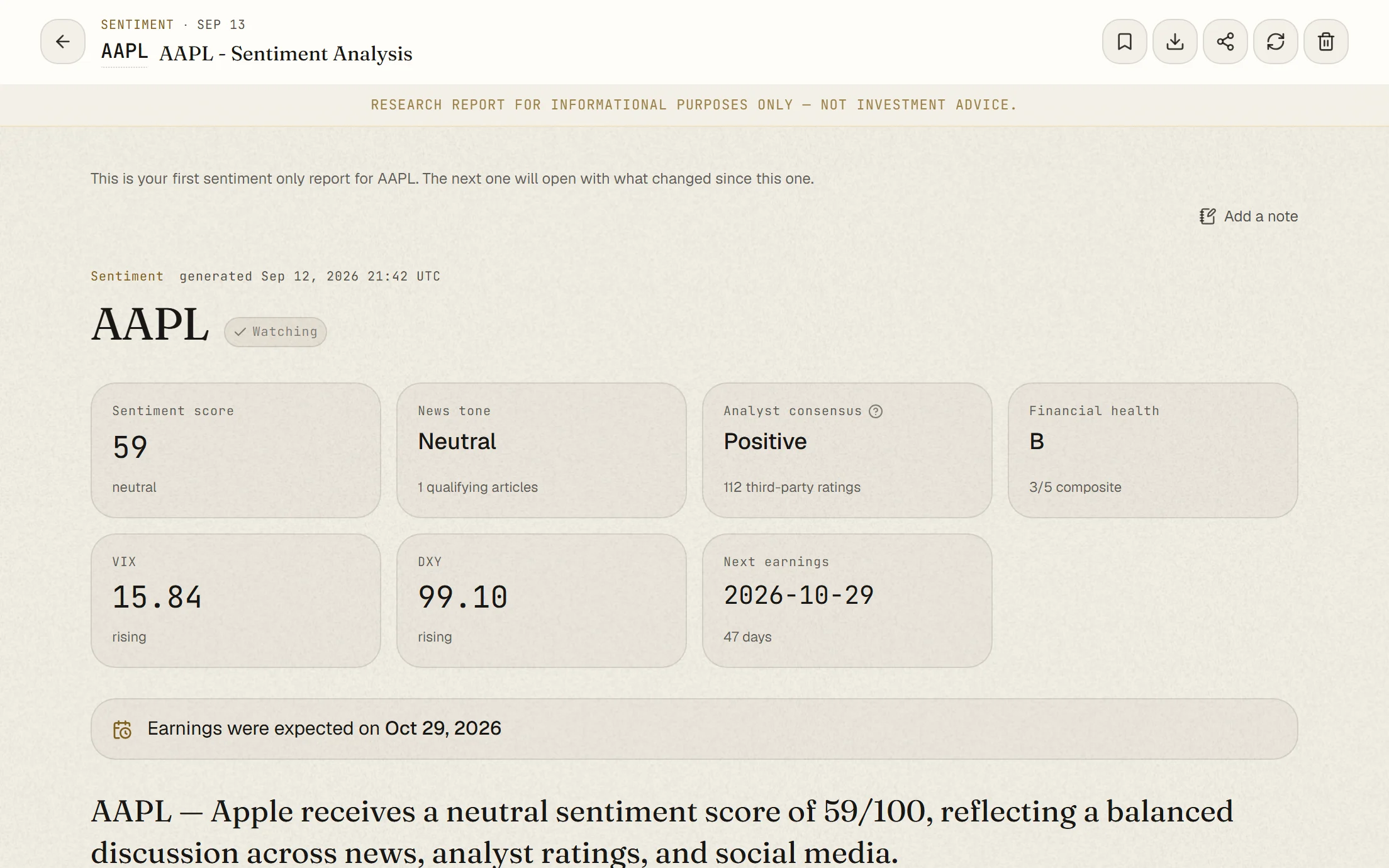
One question, one report.
Every report type your plan includes, each answering one question about a stock, an ETF, a commodity or your portfolio. A report lives in its own workspace with a timeline of earlier runs and what changed since the last one. Ask a question about the report in place, save it as a PDF, or share a read-only link.
Cost: shown before a report runs.
What each report shows → · Options & Volatility → · Sample reports →
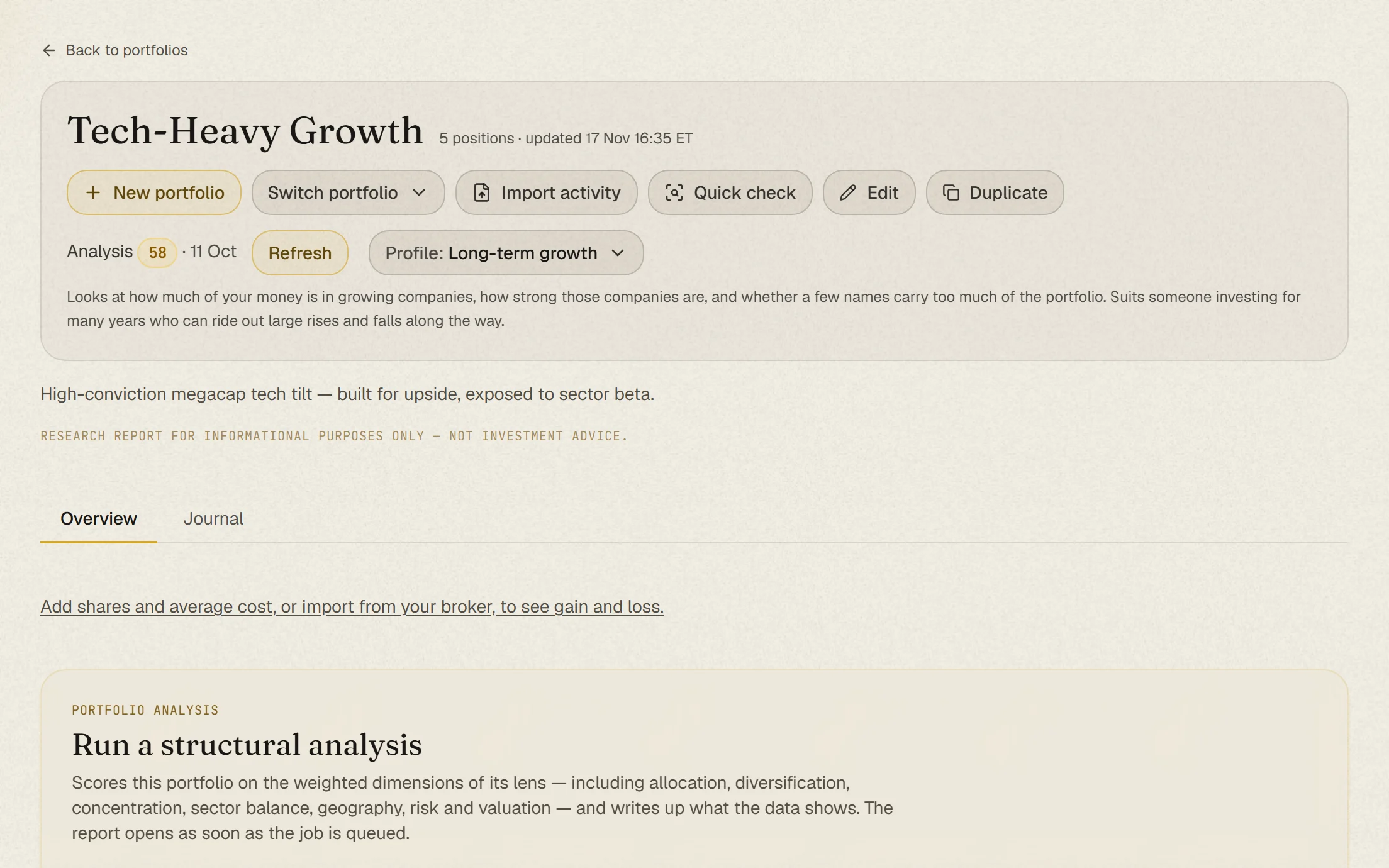
What do I own, and how is it doing?
Import a CSV from IBKR, Schwab, Fidelity, Webull or Robinhood, or add positions by hand. Profit and loss against the S&P 500, a calendar of earnings and dividends for what you hold, and a Quick check that costs no credits. On Professional and Elite, Portfolio Analysis reads up to 25 positions, mutual funds and ETF look-through included.
Portfolios and holdings: by plan.
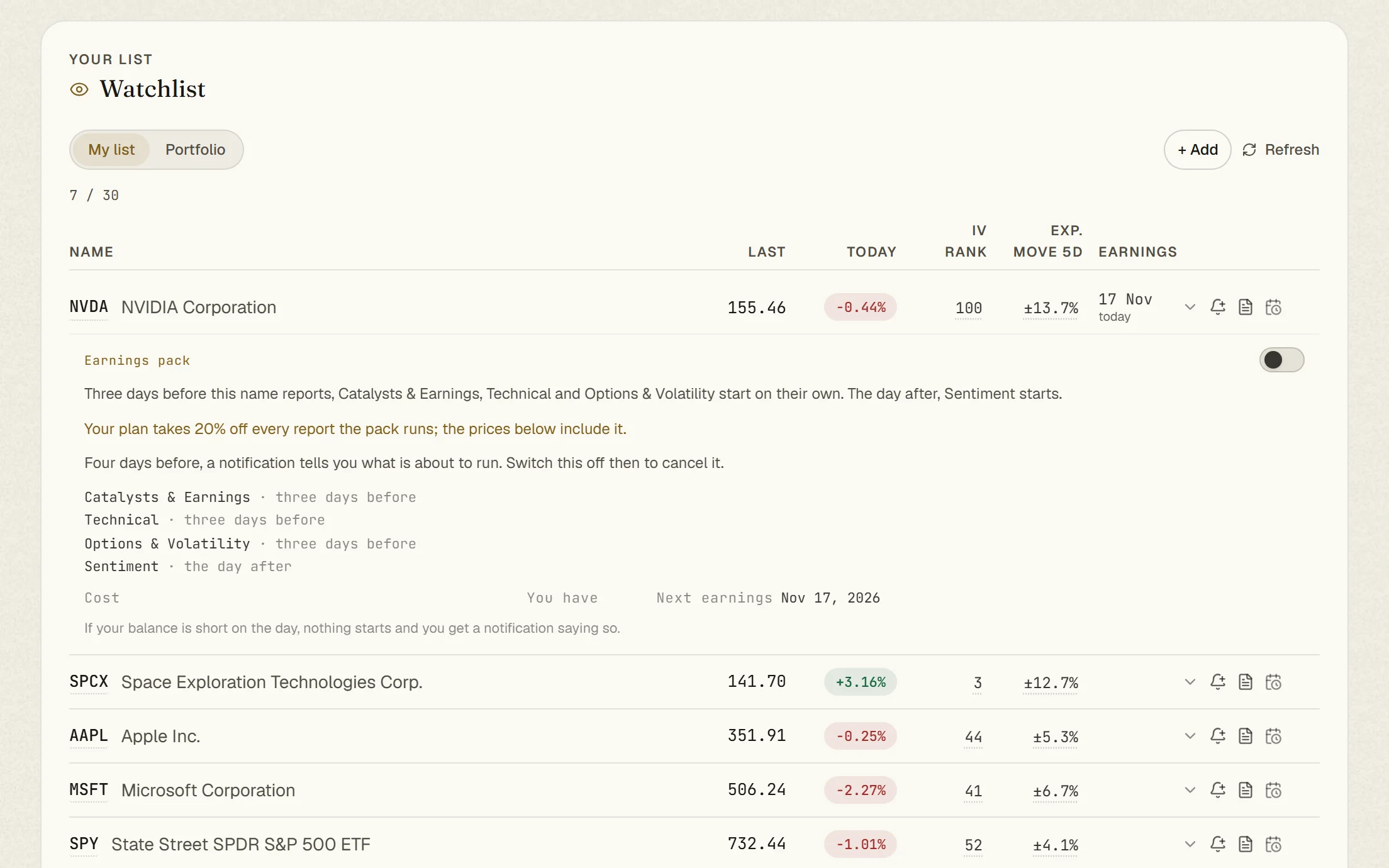
What should I read before and after the numbers?
The Earnings Pack runs Catalysts and Technical three days before a confirmed earnings date, with Options & Volatility on Professional and Elite, and Sentiment the day after. A report that has gone out of date is flagged, a “Week ahead” digest arrives every Friday, and options at a glance sit on your watchlist and portfolio rows.
Earnings Pack: Starter, Professional and Elite.
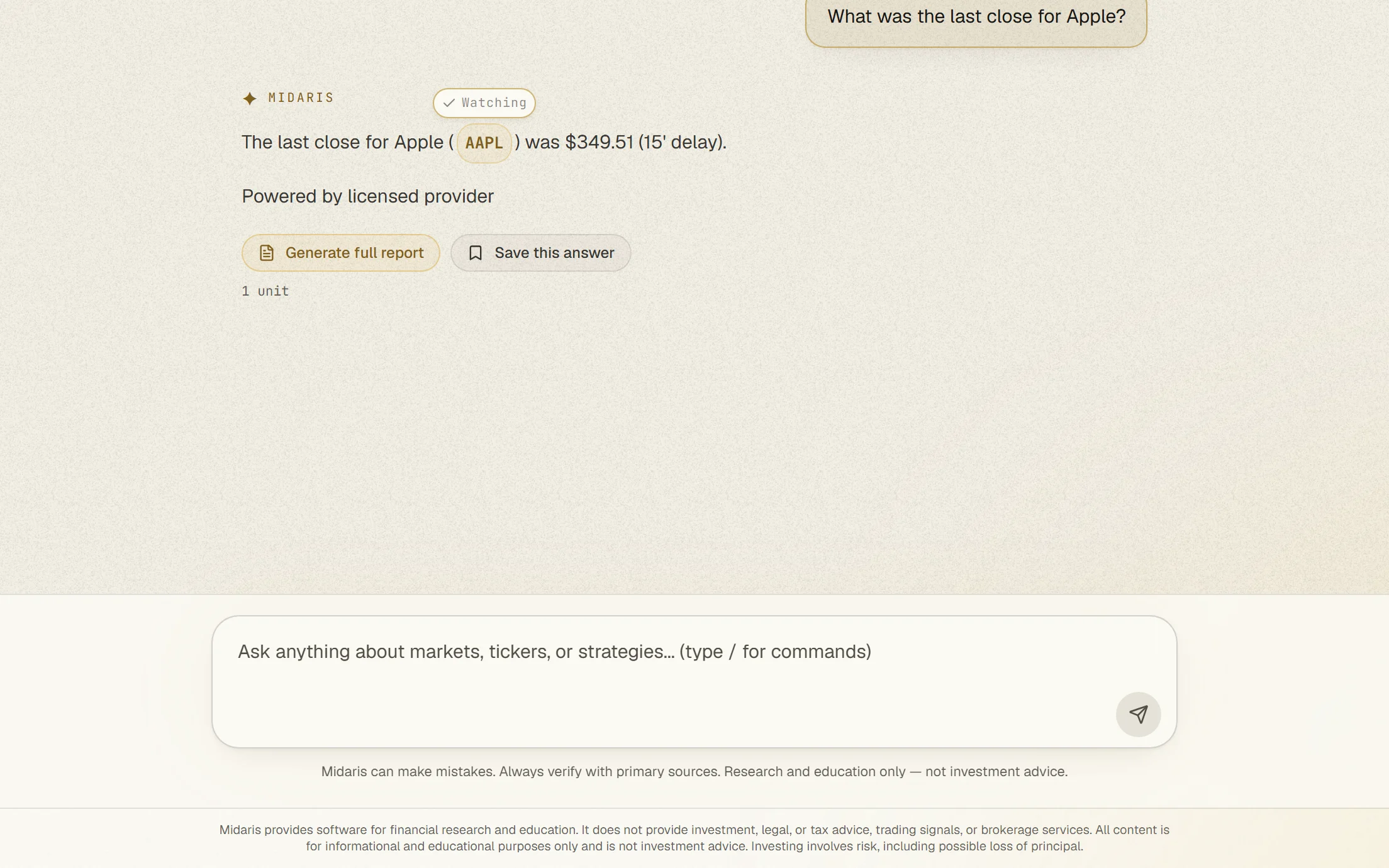
Can I just ask?
Ask in seven languages about any stock or fund, or about housing and macro for about 60 countries, and screen the S&P 500 in plain language. Answers cite their sources. When the chat starts a report, its cost is shown first.
Charged by usage, capped per answer.
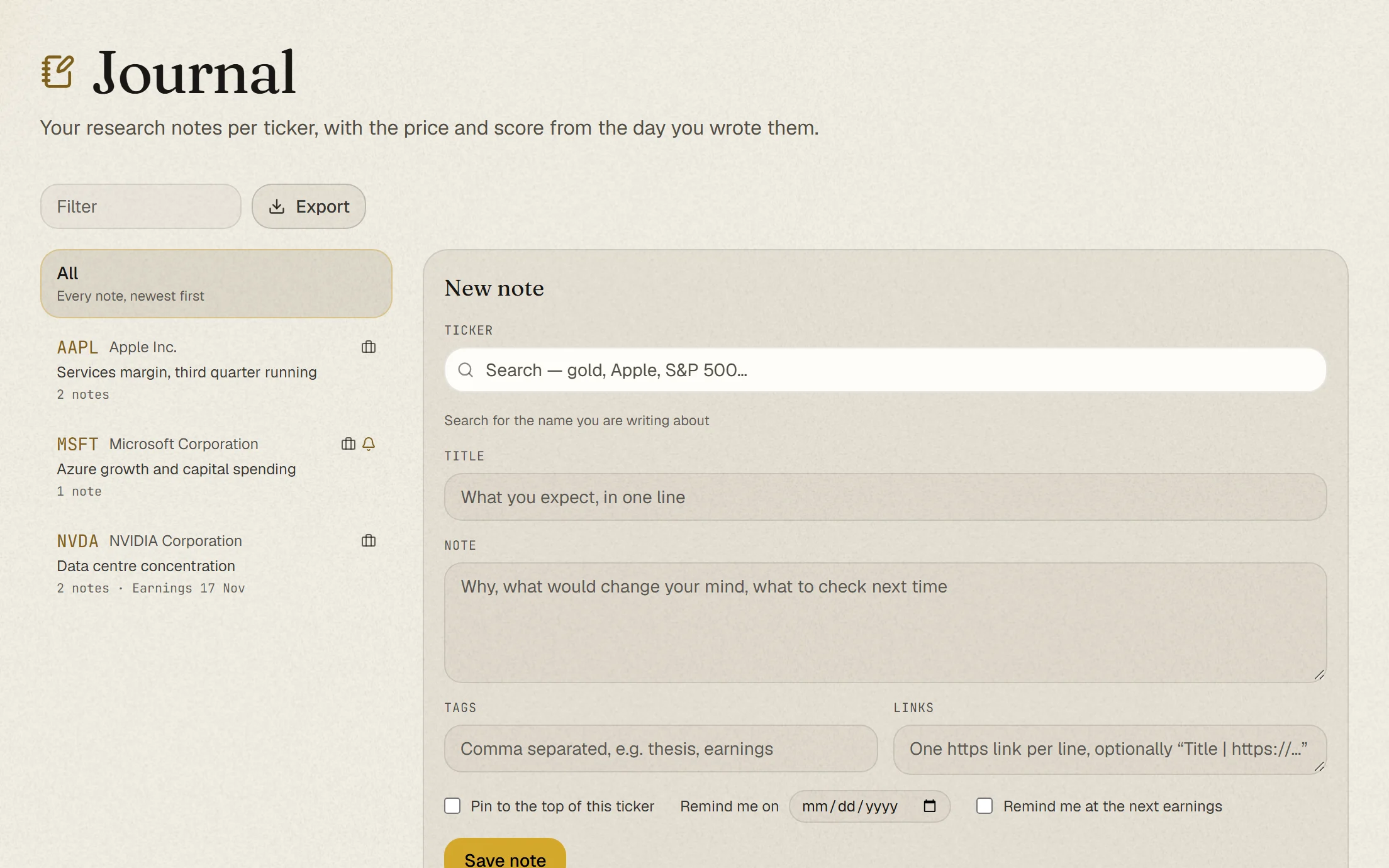
Why is this name on my list?
Notes per ticker, written where you read: on the watchlist, on a holding, under a report. Set a reminder for a date or for the next earnings, and export everything.
Write on Ask and above; read and export on every plan.
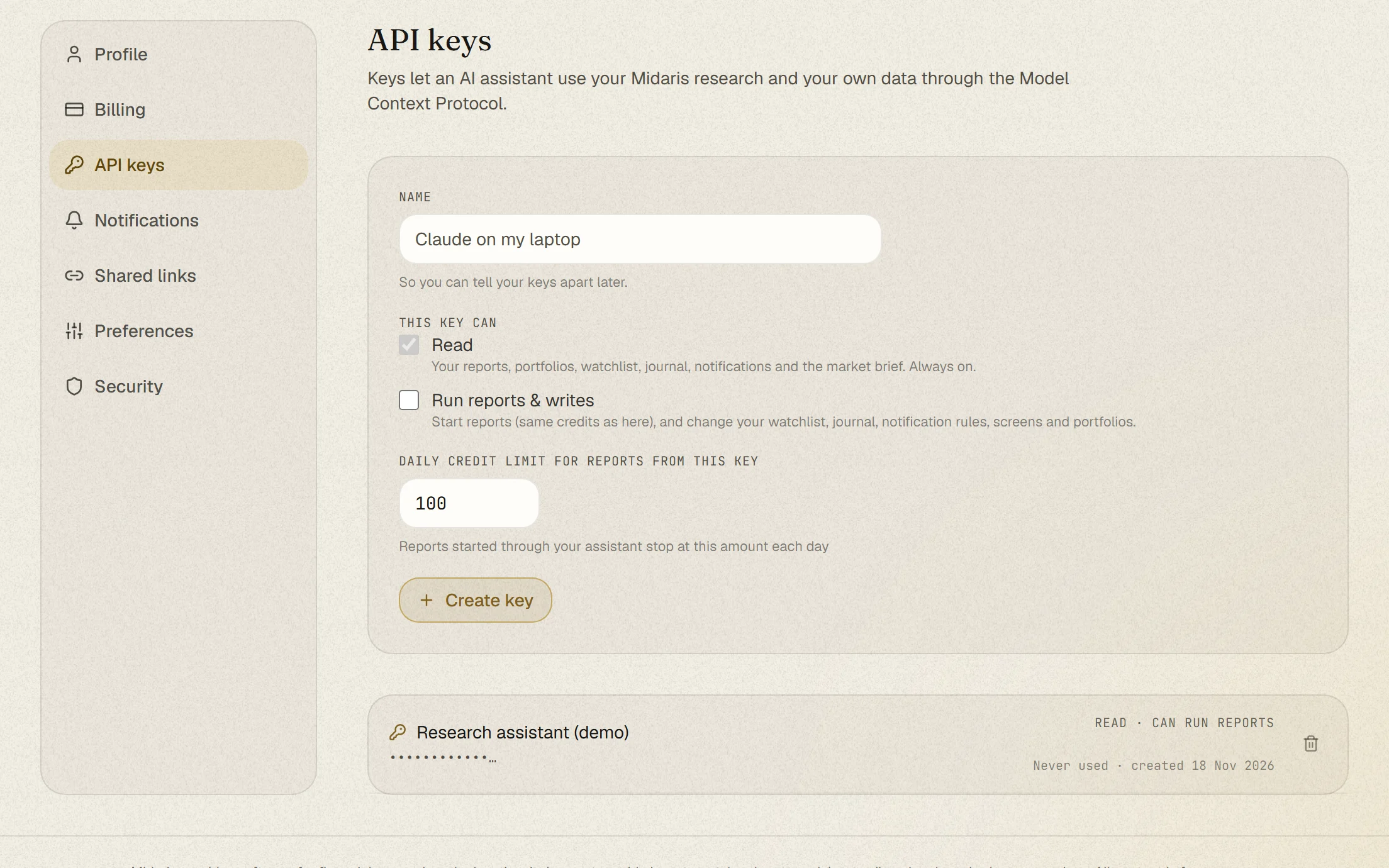
Can I use it from the assistant I already have?
The Midaris MCP server brings your reports, watchlist, portfolios, screener and journal into the AI assistant you already use: read or run, with sources and dates. Keys are created in your account.
On Professional and Elite. How it works: midaris.ai/mcp.
So you know
Prices are delayed 15 minutes; this is a research tool, not a trading terminal.
Lists are sorted by a published number; nothing on this page tells you to buy or sell.
Headlines are grouped and explained, not written.
Yes. Every plan has the whole daily layer. Plans differ in reports and credits.
No. Only reports and research answers in the chat use credits.
Market data during the US session; filings and lists as they are filed; the brief every morning at 06:00.
The morning brief and the Monday recap, yes. Notifications you set arrive in the app and by email.
Reports, summaries and chat answers are generated by AI from public and licensed market data; they may contain errors and are research and education, not investment advice.